Supernote Sync Workflow
Built n8n workflow converting Supernote handwritten notes to markdown with OCR fallback, automating knowledge capture.
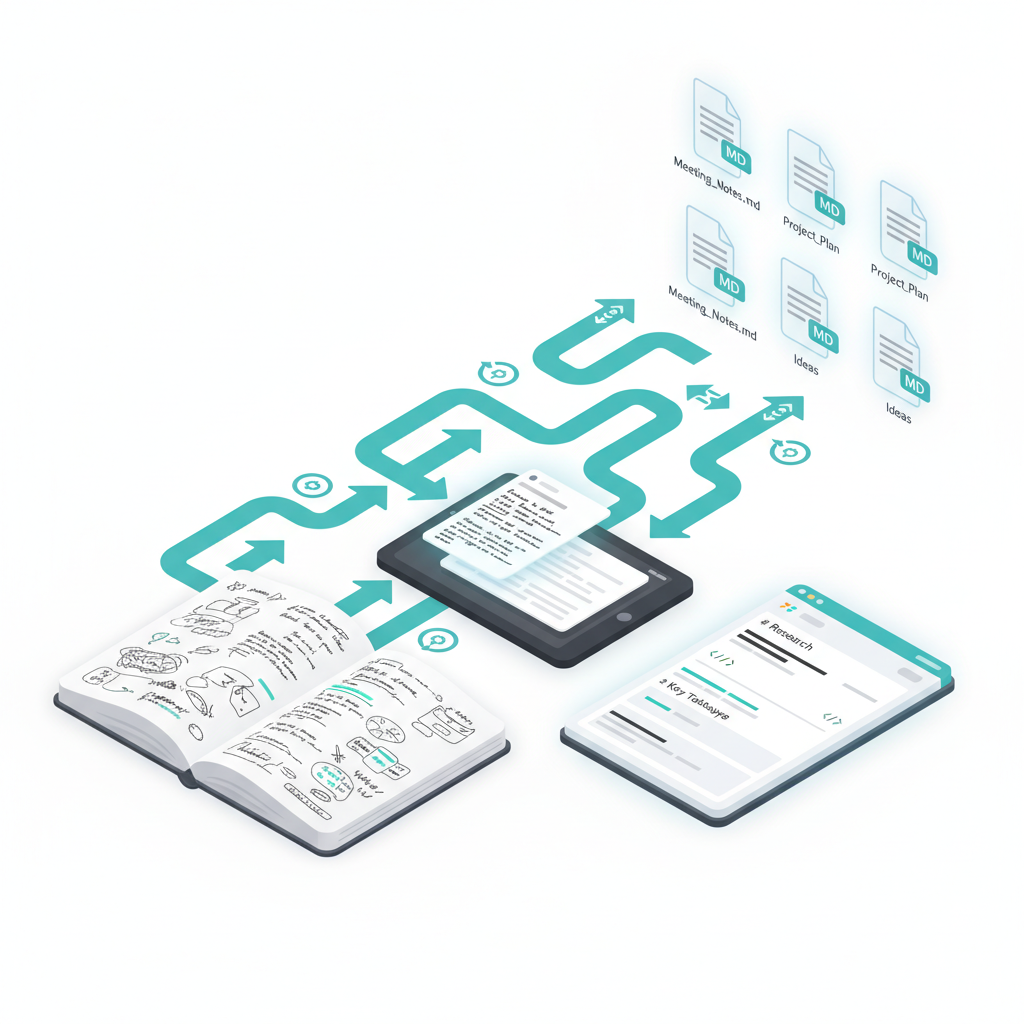
I love my Supernote for meeting notes and journaling, but the handwritten content was trapped on the device. I built an n8n workflow that automatically converts .note files to markdown and drops them into my Obsidian vault, so everything stays searchable and connected to the rest of my knowledge system.
How It Works
The workflow watches for .note files that Syncthing pulls from my Supernote. It filters by a configurable cutoff date (so I’m not reprocessing years of old notes), then runs them through supernote-tool in batches of 10 to extract the text.
Here’s where it gets interesting: Supernote’s text layer works well for neat handwriting, but my meeting scrawl sometimes comes back nearly empty. When extraction returns fewer than 50 characters, the workflow automatically exports the page as a PNG and sends it to GPT-4o Vision for OCR. The fallback catches about 15% of my notes that would otherwise be unreadable.
The output is clean markdown with frontmatter, organized into folders based on where the note lived on the device (Work, Daily Journal, or Other).
Technical Details
The workflow runs supernote-tool on my Unraid server via SSH. It handles multi-page notes by aggregating text across all pages, and tracks what’s already been processed in a JSON state file to avoid duplicate work. There’s also some line break logic that preserves paragraph structure while joining lines that were split mid-sentence.
Why This Setup
I already had Syncthing running for file sync, n8n for automation, and Unraid for compute. This workflow just ties them together into a hands-off system that turns handwriting into searchable digital notes without any manual export steps.